Running Venity Network across three Kubernetes clusters
← all posts3 Oct 2026
How we moved Venity from manually started servers to Kubernetes and use EnderLink to route players and start games on demand.
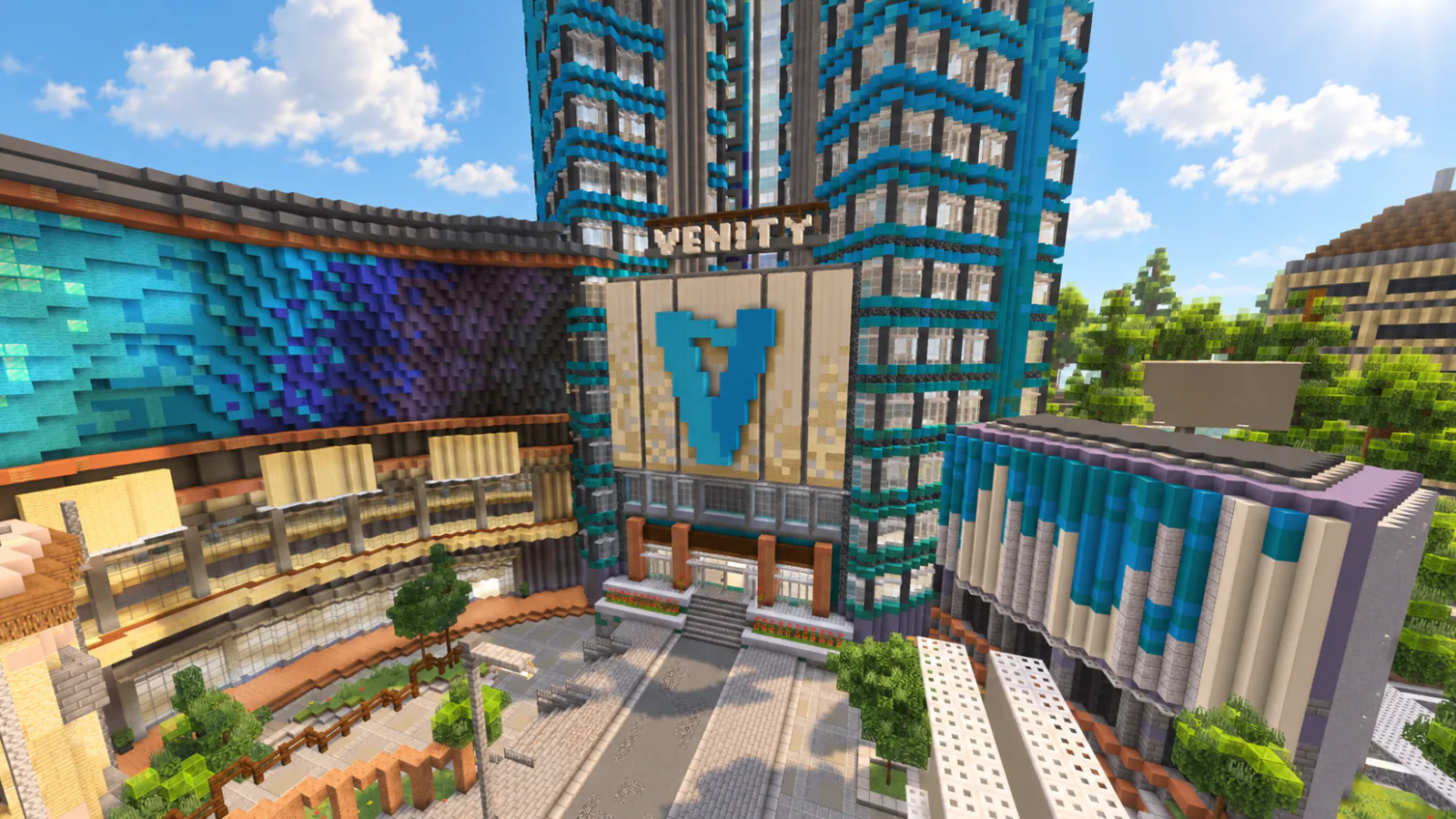
Running Venity since 2020
I founded Venity Network in April 2020 and still work as its lead server developer. We average around 300 concurrent players and 5,000 daily active users. Our highest player count was around 1,000 concurrent players in 2021.
We run Minecraft Bedrock games including BedWars, SkyWars, Duels, The Bridge, and Crystal PvP. My work includes the game code, player routing, data storage, and keeping the servers running.
From manual servers to Kubernetes
Before 2023, we used PocketMine and manually started the servers on each node. When we hit around 1,000 concurrent players in 2021, those servers were running directly on the OS. We had no Docker or Kubernetes.
After moving our server code to Go, we deployed it with Docker Compose on each node. We still had to manage every node separately, which made deployments hard to keep coordinated. We started using Kubernetes in January 2026 so we could manage the workloads across our clusters.
Three regional clusters
We host our Asia cluster with OVHcloud in Singapore, our Europe cluster with OVHcloud in Frankfurt, Germany, and our North America cluster at OVHcloud's Beauharnois data center in Quebec, Canada. Asia has three nodes. Europe and North America have one each. Asia also hosts our shared backend, MariaDB, object storage, and monitoring services.
Asia's primary node has an Intel Xeon E-2136 with 6 cores and 12 threads, 32 GB of RAM, and two 512 GB drives. The other four nodes each have 4 vCPUs, 8 GB of RAM, and a 75 GiB virtual disk. That includes the two smaller nodes in Asia and the single nodes in Europe and North America. All five run Ubuntu 24.04 LTS.
Each region has a proxy Pod and a lobby StatefulSet. We run three lobby replicas in Asia and two each in Europe and North America. Each game variant has its own Deployment. At the time of writing, the European and North American game Deployments were at zero replicas, with their proxies and lobbies still running.

Players connect to play.venitymc.com. Amazon Route53 resolves that name to as.venitymc.com, eu.venitymc.com, or na.venitymc.com based on their region. The proxy receives Bedrock traffic through UDP host port 19132 and forwards it to a backend. Solid lines in the diagram show traffic or data. Dashed lines show DNS resolution or control connections.
What EnderLink does
EnderLink is Venity's shared backend, written in Go and running in the Asia cluster. Proxies and game servers from all three regions connect to it. It tracks active servers and player sessions, and handles features shared across the network, including guilds, friends, statistics, purchases, and replays.
It runs as one Go process with separate modules for these features. Server registration and transfer messages use custom TCP sessions. Proxy login and API requests use gRPC. EnderLink also talks to each region's Kubernetes API to start and stop game servers. Gameplay traffic flows through the proxies and game servers.
How a player reaches a server
The player stays connected to the proxy as they move between servers. During login, the proxy asks EnderLink which server to use. EnderLink loads the player's data and looks for an available lobby in the proxy's region. If none is available, it can choose a lobby in another region.
When a server registers its name and address with EnderLink, the proxies receive an updated registry. EnderLink can then tell the player's proxy to switch to that server.
Starting game servers on demand
Our game servers use a scale-to-zero architecture. When an eligible game group has no players, EnderLink can scale its Deployment to zero replicas and shut down the game server. This saves resources while the proxies and lobbies stay available. If a player requests a stopped group, they see a deployment notice while the new server starts, then a transfer message when it is ready.
EnderLink controls startup and shutdown through a Kubernetes client for each region. We do not use HorizontalPodAutoscalers for these production workloads.
If a player requests a game and no server is available, EnderLink sets the game's Deployment to one replica through the Kubernetes scale API. It waits for the game process to register before transferring the player. A running Pod still needs to register before the proxy can route players to it.
The screenshot shows a BedWars Triples server starting on demand. With no server available for that game group, EnderLink deploys one while the player waits, then the proxy transfers them after it registers:


Before shutting a game group down, EnderLink checks its idle policy, player counts, and recent activity, including custom games. The first players joining a stopped game group have to wait for the server to start.
Zero-downtime game server updates
When we update a game server, a replacement Pod starts while the old one keeps running. The new server registers with EnderLink before it receives players. EnderLink then routes new players to the replacement, while the old server stops taking new players and lets its active games finish. When the old Pod's player count reaches 0, we remove it. This keeps game capacity available through the rollout without interrupting matches in progress.

Persistent services and observability
MariaDB, MinIO, Prometheus, and Grafana run as StatefulSets with persistent storage. MariaDB has one primary and one read replica. EnderLink stores player and game records in SQL. Replay metadata also lives in SQL, with the replay files, skins, and server assets stored in MinIO through its S3-compatible API.
Web Stats at player.venitymc.com connects to Venity API at api.venitymc.com. The API is written in Go using Echo and calls EnderLink's Player, Guild, and Network services over gRPC.
We use Prometheus and Grafana to monitor all three regions. In the Asia cluster, node-exporter runs as a DaemonSet. kube-state-metrics reports Kubernetes object state, and the MariaDB exporter reports database metrics.
The work around the network
Venity Store delivers purchased ranks, coins, cosmetics, and guild upgrades to players. I started the store in January 2021 using PHP and HTML/CSS. It now uses Go and React and remains closed source.
I also maintain df-replay for recording and replaying Dragonfly gameplay, PacketLimiter for limiting excessive PocketMine packet traffic, and bedrockpack for resource-pack encryption and preparation. More of our work is on VenityNetwork's GitHub. The network's website is venitymc.com.