LightRemote
all projectsA browser and desktop workspace for remote terminals, VNC desktops, and file transfers.
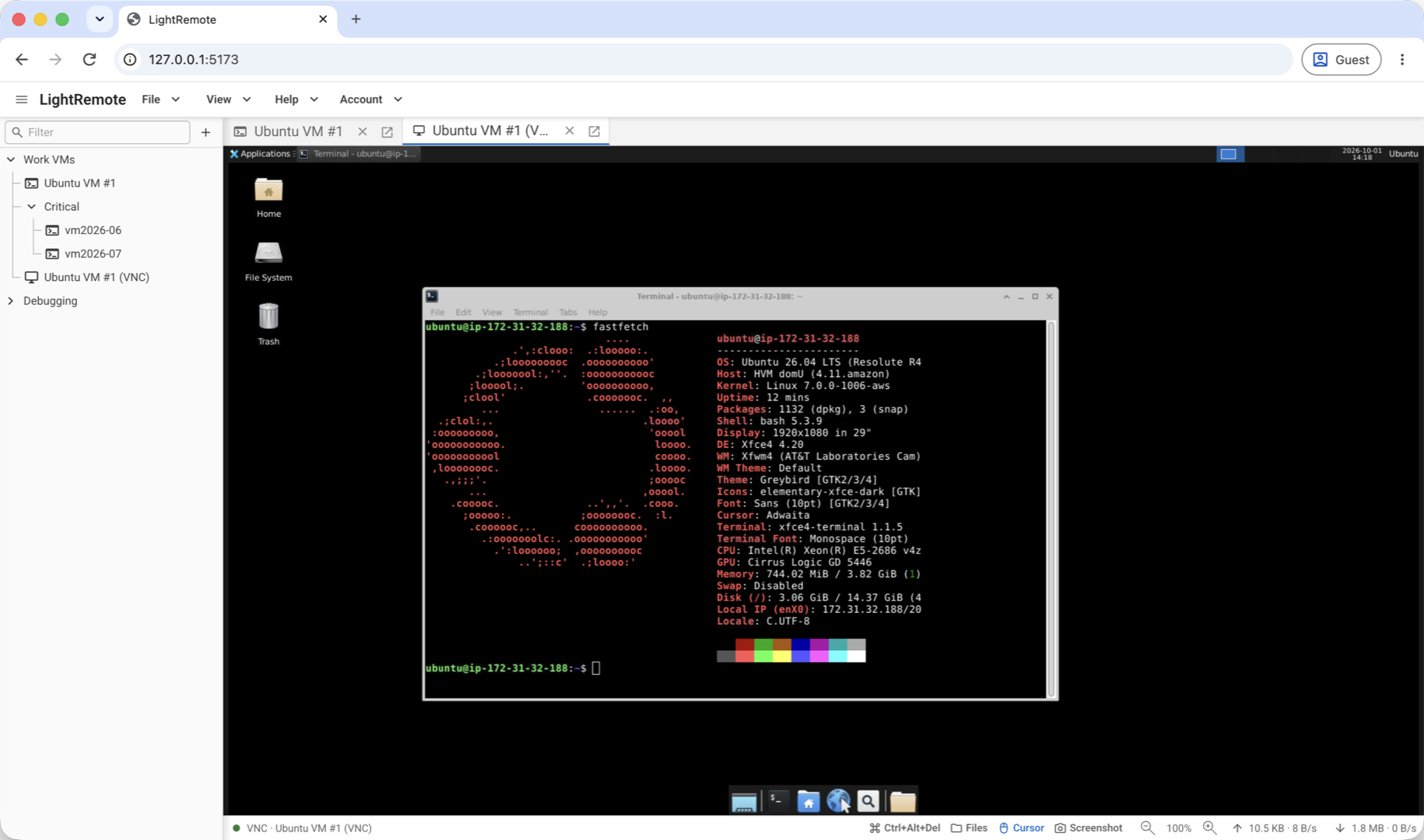
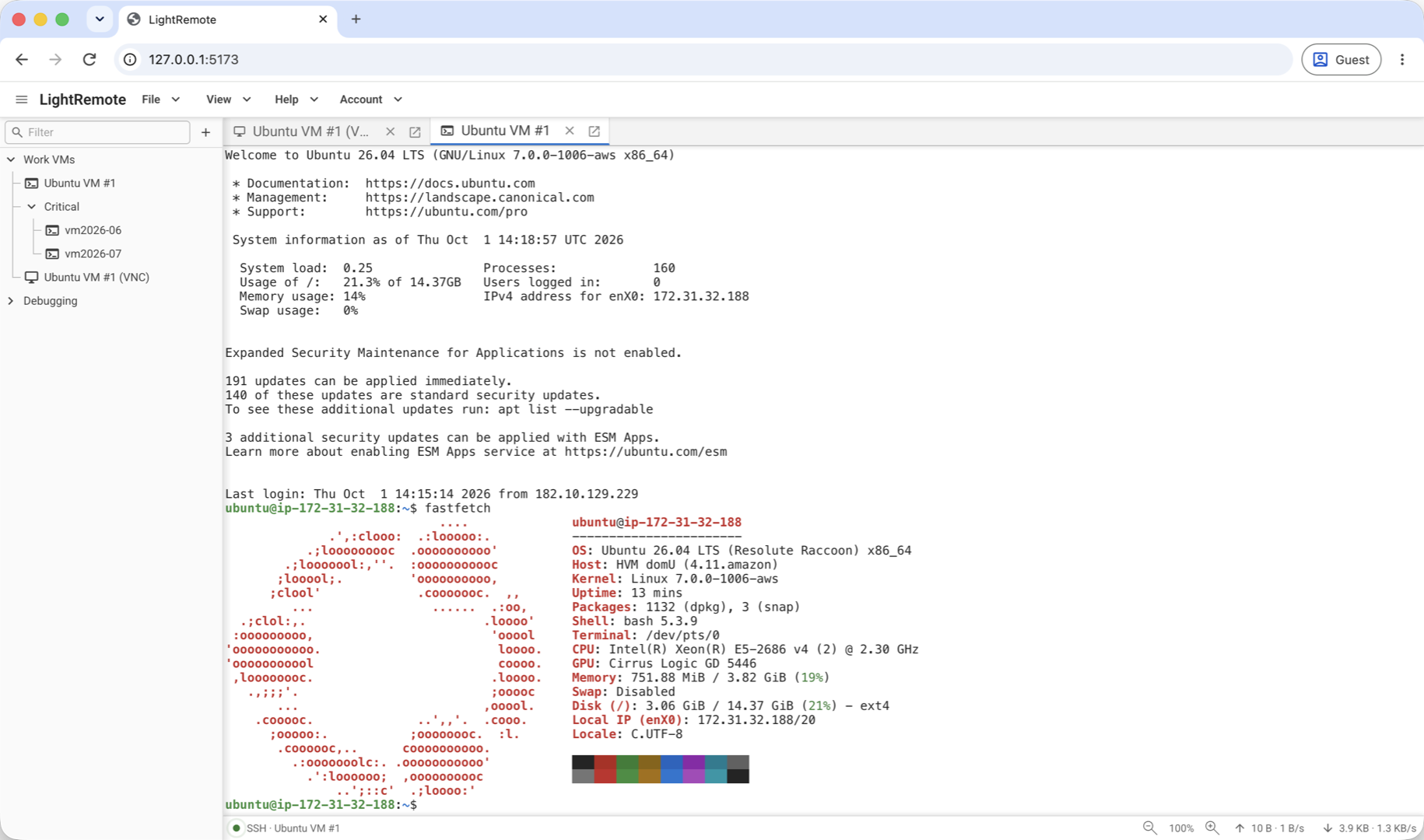
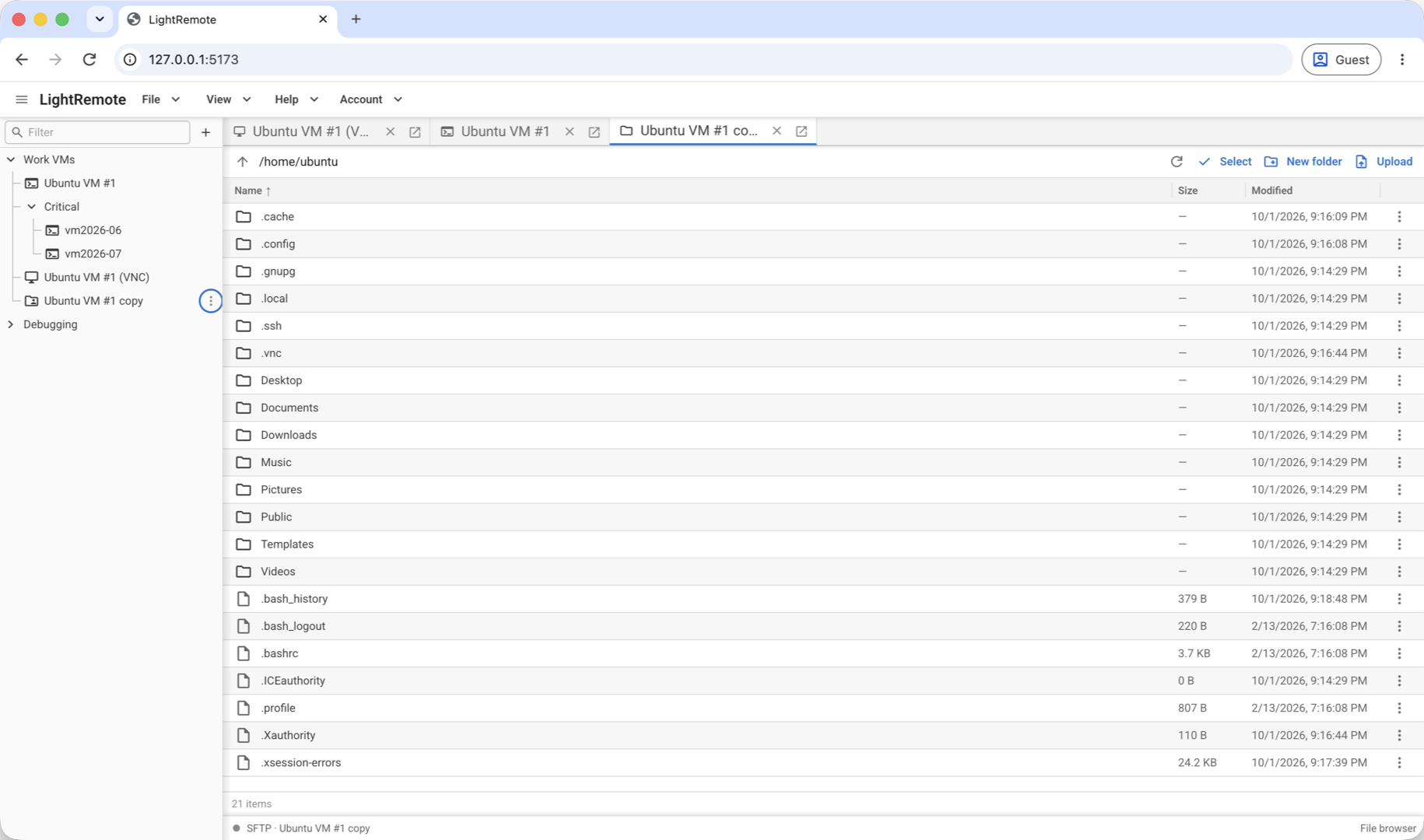
One workspace for remote access
LightRemote brings SSH and Telnet terminals, VNC desktops, and remote file management into one browser and desktop workspace. Tabbed sessions and detachable windows make it easy to work across several machines, while saved connections can be organized into nested folders.
Get started
Web browser
Install with Docker:
docker run -d \
  --name lightremote \
  --restart unless-stopped \
  -p 8080:8080 \
  -v lightremote-data:/data \
  ghcr.io/akmalfairuz/lightremote:latest
Open http://127.0.0.1:8080 and create the first admin account.
Desktop
Download the latest release for your OS and architecture:






How to use
- Click + in the sidebar, choose a protocol, and enter the host and credentials.
- Click Save & Connect. For SSH or SFTP, verify and approve the host fingerprint.
- Work in tabs: run commands, view a remote desktop, or transfer files. Use Ctrl/Cmd+K to reopen saved connections.
Terminals, desktops, and files
- SSH terminals support password and private key authentication, terminal zoom, and shell continuity when moving between windows.
- Telnet terminals support manual login, terminal resizing, and proxy connections.
- VNC desktops provide remote keyboard and mouse control, read-only modes, screenshots, cursor controls, and per-tab zoom.
- File management supports SFTP, FTP, and explicit FTPS, with browsing, uploads, downloads, renaming, editing, and transfer progress. TightVNC and UltraVNC file transfers are also supported.
Connection management
Reusable SSH keys, connection search, recent sessions, and temporary direct connections help keep everyday remote work organized. Saved credentials are encrypted at rest, SSH host fingerprints are verified before connecting, and HTTP, HTTPS, and SOCKS5 proxies are supported.
Technical implementation
LightRemote uses React and TypeScript for a shared browser and desktop interface, with Vite for builds, Material UI for components, and Redux Toolkit with RTK Query for workspace state and API caching. A Go backend uses Chi for HTTP routing and separates request handlers, application services, and database repositories. Wails v3 packages the same interface and backend into native desktop apps.
xterm.js renders SSH and Telnet terminals, while noVNC renders remote desktops through a Go RFB bridge. Browser sessions stream over WebSockets; desktop sessions use Wails native streams. Backend-owned terminal sessions retain recent output so shells continue when tabs move between windows. SFTP, FTP/FTPS, and TightVNC/UltraVNC file transfers share a backend file interface that streams uploads and downloads.
SQLx repositories store accounts and connections in SQLite or MySQL, with local SQLite storage on desktop. Argon2id hashes account passwords, AES-256-GCM encrypts saved credentials, and SSH/SFTP connections verify approved host fingerprints.
Docker packages the web frontend and Go server together, with persistent data stored separately from the application image. GitHub Actions builds desktop releases for macOS, Windows, and Linux, alongside container images for amd64 and arm64.
Source and documentation
Explore the source code on GitHub, browse the full documentation, or read the desktop troubleshooting guide.